
Anime Alarm1.3.4 - App Store
You'll be able to see results in few seconds.
Publisher Description
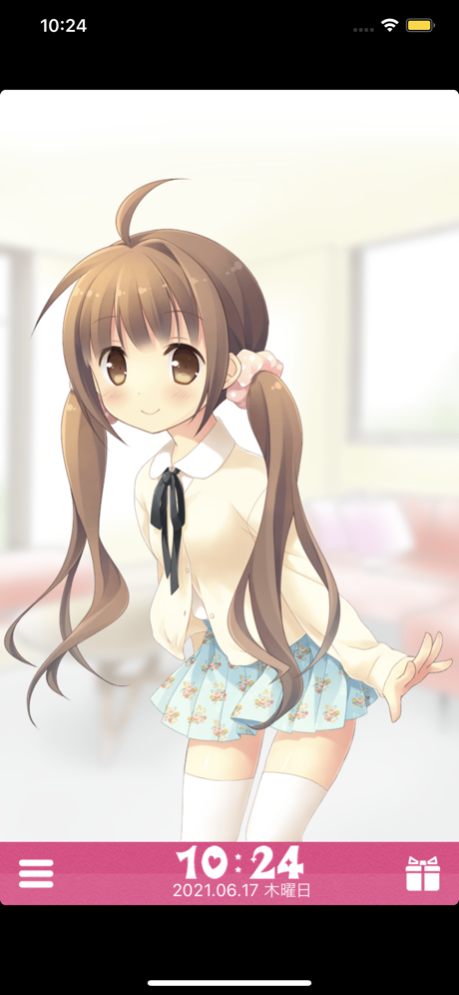

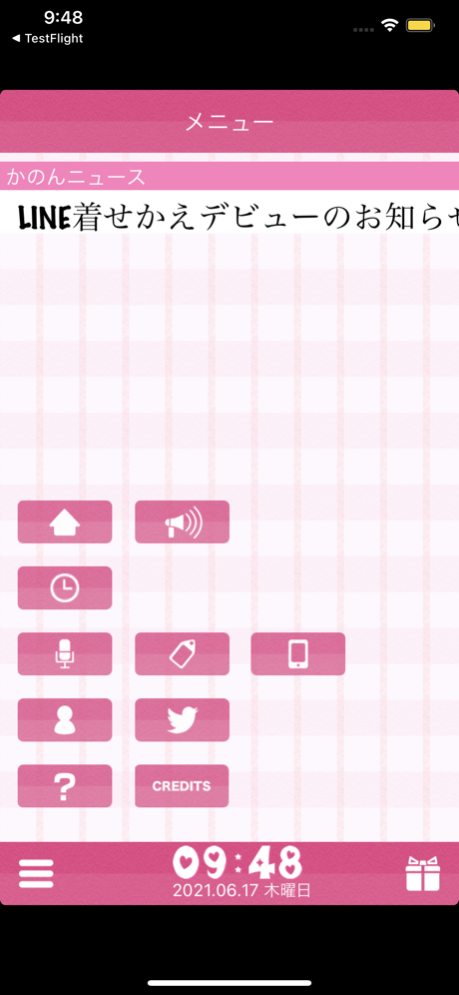
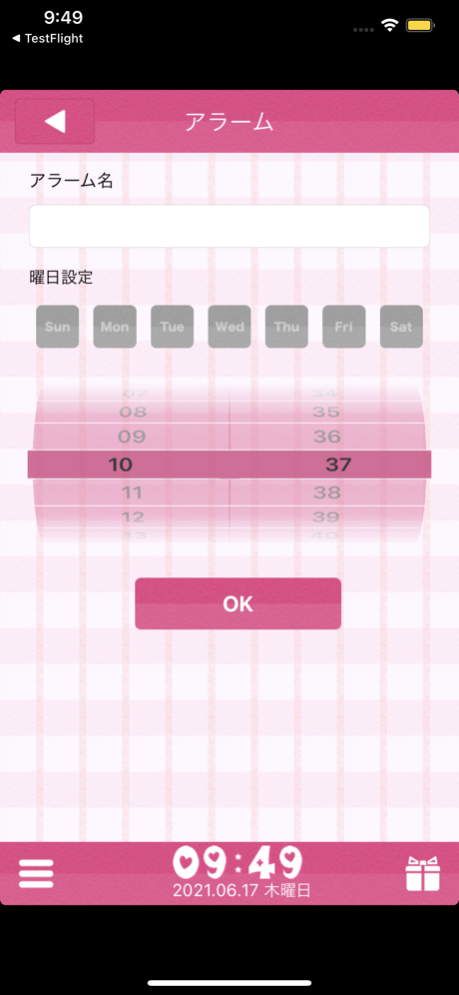
This app, to meet the expectations of "I want to compliment the Nadenade" "I want to be awakened gently"
We developed to experience without discomfort, the operation of "Nadenade" with a touch display,
Carefully selected illustrations and voice, gave birth to our original characters.
■ Alarm mode
Characters wake me up because I voice alarm at a set time before going to bed,
And I'll praise you "Nadenade" finger on reward, Hart is accumulated in "gauge favorability rating."
The alarm stops becomes full, so you can hear a cute message from [Kanon],
To "Nadenade" every morning I will be going to the fun!
■ Automatic Tweets to "Twitter"
Characters is equipped with an "Auto Tweet" You're the joy that was involuntarily tweet me up!
And may have been left without "Nadenade" other, they also tweet Kashii shame pout!
■ interactive mode
In "interactive mode" as well as an alarm, and then touch or Nadenade angry "" happy "" You, such as "surprise",
You can enjoy a variety of graphics and voice communications!
※ Notes
Alarm does not sound app is not running, please use the app remains open.
• When setting the alarm sufficiently increased the volume of the body, please use the screen lock is not.
Since the alarm does not sound when the battery runs out, please use while charging.
Kanon's Profile
Name - Kanon
Date of Birth - 21th February
Star sign - Pisces
Height - 151 cm
Weight - secret
Likes - Candy, Older brother and Older sister
Jun 2, 2023
Version 1.3.4
- Fixed a bug that news was not displayed
- Fixed a bug where costume/voice details were not displayed
About Anime Alarm
The company that develops Anime Alarm is Interlink Corporation. The latest version released by its developer is 1.3.4.
To install Anime Alarm on your iOS device, just click the green Continue To App button above to start the installation process. The app is listed on our website since 2023-06-02 and was downloaded 0 times. We have already checked if the download link is safe, however for your own protection we recommend that you scan the downloaded app with your antivirus. Your antivirus may detect the Anime Alarm as malware if the download link is broken.
How to install Anime Alarm on your iOS device:
- Click on the Continue To App button on our website. This will redirect you to the App Store.
- Once the Anime Alarm is shown in the iTunes listing of your iOS device, you can start its download and installation. Tap on the GET button to the right of the app to start downloading it.
- If you are not logged-in the iOS appstore app, you'll be prompted for your your Apple ID and/or password.
- After Anime Alarm is downloaded, you'll see an INSTALL button to the right. Tap on it to start the actual installation of the iOS app.
- Once installation is finished you can tap on the OPEN button to start it. Its icon will also be added to your device home screen.
Program Details
System requirements
Download information
Pricing
Version History
version 1.3.4
posted on 2023-06-02
Jun 2, 2023
Version 1.3.4
- Fixed a bug that news was not displayed
- Fixed a bug where costume/voice details were not displayed
version 1.3.3
posted on 2023-01-31
Jan 31, 2023
Version 1.3.3
- Library update.
- Removal of end-of-service libraries.
version 1.3.2
posted on 2021-06-18
Jun 18, 2021 Version 1.3.2
Fixed a bug that the setting screen and present screen do not become full screen on iOS 13 or later
version 1.3.1
posted on 2017-07-26
26 Jul 2017 Version 1.3.1
Fixed a bug where you can not set account for Twitter .
version 1.3.1
posted on 2017-07-26
Jul 26, 2017 Version 1.3.1
Fixed a bug where you can not set account for Twitter .
version 1.3.1
posted on 2017-07-26
Jul 26, 2017 Version 1.3.1
This app has been updated by Apple to use the latest Apple signing certificate.
Fixed a bug where you can not set account for Twitter .
version 1.2.0
posted on 2014-01-29
version 1.3.1
posted on 1970-01-01
2017年7月26日 Version 1.3.1
Fixed a bug where you can not set account for Twitter .
Disclaimer
Official App Store Link
We do not host Anime Alarm on our servers. We did not scan it for viruses, adware, spyware or other type of malware. This app is hosted by Apple and passed their terms and conditions to be listed there. We recommend caution when installing it.
The App Store link for Anime Alarm is provided to you by apps112.com without any warranties, representations or guarantees of any kind, so access it at your own risk.
If you have questions regarding this particular app contact the publisher directly. For questions about the functionalities of apps112.com contact us.
